
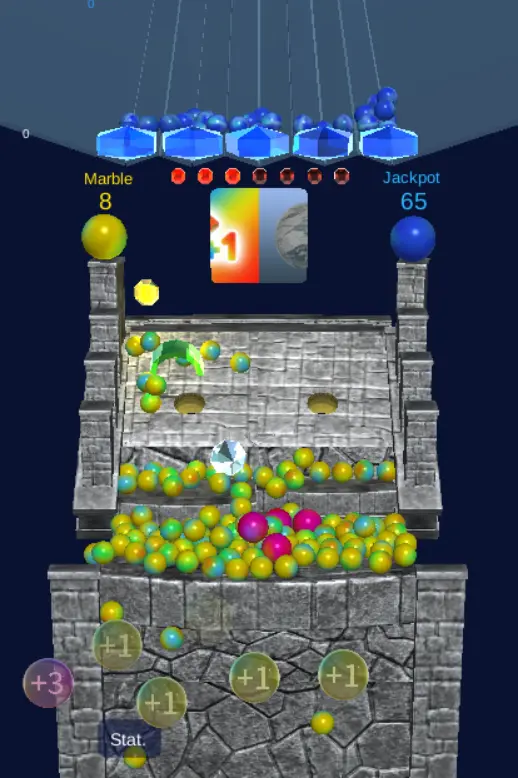
Marble Pusher
Marble Pusher
自學Unity製作推彈珠3D遊戲 疫情期間都在家,時間多了於是決定找點東西學學,學完基本的 Vue,js 之後 , 想試試寫個遊戲 , 網上搜索了一下不同的遊戲引擎,最後決定學習Unity。主要是因為跨平台而且網上教學也比較多。看了大部份的教學都說Unity 2018 這個版本會比較好和穩定,而且這個版本教學會比較多。我就去了 https://store.unity.com/download-nuo 創建帳號和下載 。 我選擇了免費的個人版本。
About BeeGames social
Playground and Play together are the BeeGames social layer — so you're never just playing alone.
What is a Playground?
Your Playground is your own personal game homepage. Pin the games you love, give it a name and a short bio, then make it public to share your personal arcade with anyone.
How do I use my Playground?
On any game page, tap “Playground” to pin that game. Head to My Playground to edit its name, bio and layout, then share your public link with friends.
What is Play together?
Play together lets you co-play the same game with friends in real time. Open a game room and everyone can play side by side while chatting in the room — like crowding around one screen, online.
How do I play with friends?
Tap “Play together” on a game page, pick a public room or a private one with a password, then share the room link with friends. You can also browse and join open rooms from the Lobby.