
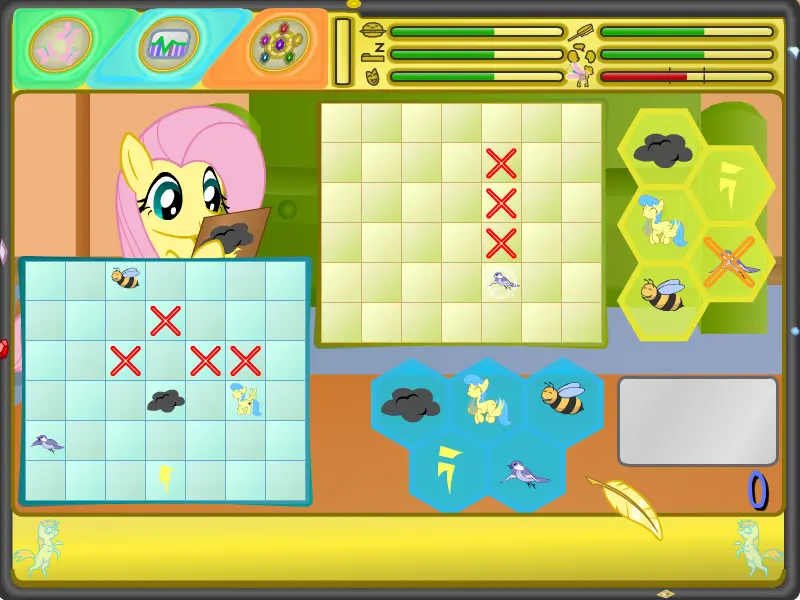
PixelShy: Battle Clouds
PixelShy: Battle Clouds
v1.6. Bugfix for Bumblebee and Cumulus, suggested by :iconelcoron: v1.5. Got rid of the nasty bug that's been haunting the game. Visual overhaul. Help overhaul, Colour bars added v1.4. Seagull can now only be found between the Cumulus and Thunderbolt, should solve the freezing issue v1.3. Hitting the Bumblebee reveals up to five empty tiles (exact number depending on the player's score) v1.2. Seagull is always at the same altitude as the Thunderbolt v1.1. Upgraded the scoring system :) This actually didn't take longer than usual (?!), at least not per se, since I've managed to work on some general game issues while polishing this piece: -started a massive UI Overhaul for the main project (see those buttons? Yay!) -VA casting's almost finished, two characters remaining (And I've got my eyes set on that one VA) -Writing down all the characters' lines apart from Fluttershy (That's A LOT of lines) -Working on musical score (Dynamically arranged melody, never twice the same!) I'm looking forward to getting more stuff done ^_^ If you want to support the project, hit my [Patreon](https://www.patreon.com/DracoBlair) , but obviously just playing the game and commenting is what I love most (yeah, I'm weird like that!)
About BeeGames social
Playground and Play together are the BeeGames social layer — so you're never just playing alone.
What is a Playground?
Your Playground is your own personal game homepage. Pin the games you love, give it a name and a short bio, then make it public to share your personal arcade with anyone.
How do I use my Playground?
On any game page, tap “Playground” to pin that game. Head to My Playground to edit its name, bio and layout, then share your public link with friends.
What is Play together?
Play together lets you co-play the same game with friends in real time. Open a game room and everyone can play side by side while chatting in the room — like crowding around one screen, online.
How do I play with friends?
Tap “Play together” on a game page, pick a public room or a private one with a password, then share the room link with friends. You can also browse and join open rooms from the Lobby.