
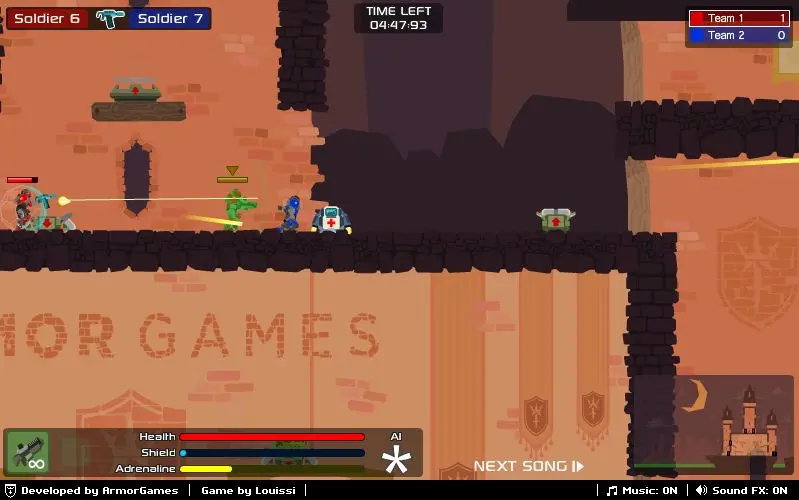
Armor Mayhem
Armor Mayhem
Description ****Update v.13b - Support for User Made Levels**** Humanity is at a turning point. Infinite energy crystals have been found on another planet and you have to fight to take control of it. Unlock weapons and maps as you progress to expand the game as you play. Current Version: v1.3b If you do not see the version 1.3b in the top right corner of the screen, please clear your browser cache or push refresh. • For support and bug report, use this forum thread: http://armorgames.com/community/thread/6912432/armor-mayhem-support • If you are having trouble seeing the buttons to start the game, your Flash Player may be outdated. Download the latest version here! [Update v1.3b] - Several bug fixes [Update v1.2] - Removed the AGI saving, you might lose your save data if you didn't play v1.1 but you won't have save game crash anymore - Fixed a small collision bug that would block you in the map snowy death on the middle platform - Fixed some achievements bug with the number of kills. Go in the achievements screen to get your achievement if you have enough kills. [Update v1.1] - Made the collisions more stable (you should not fall through the map anymore) - Made the loading more stable when loading from your account - Playing while logged on will also save locally - Changed a part on the mother ship (space ship in green levels) where it was hard to get in a door because you were getting blocked. - Enemies holding your flag will move a bit slower (makes it easier to take it back) Controls You can change the controls in the main menu. Default Controls: W: Jump A,D: Move S: Pick up things E: Give orders R: View Scoreboard Q: Switch weapons SPACE: Use adrenaline Esc: Pause the game
About BeeGames social
Playground and Play together are the BeeGames social layer — so you're never just playing alone.
What is a Playground?
Your Playground is your own personal game homepage. Pin the games you love, give it a name and a short bio, then make it public to share your personal arcade with anyone.
How do I use my Playground?
On any game page, tap “Playground” to pin that game. Head to My Playground to edit its name, bio and layout, then share your public link with friends.
What is Play together?
Play together lets you co-play the same game with friends in real time. Open a game room and everyone can play side by side while chatting in the room — like crowding around one screen, online.
How do I play with friends?
Tap “Play together” on a game page, pick a public room or a private one with a password, then share the room link with friends. You can also browse and join open rooms from the Lobby.