My Little Pony Chaos Management
Hráči
4
Hodnocení
4.5★
Kategorie
Arcade
O
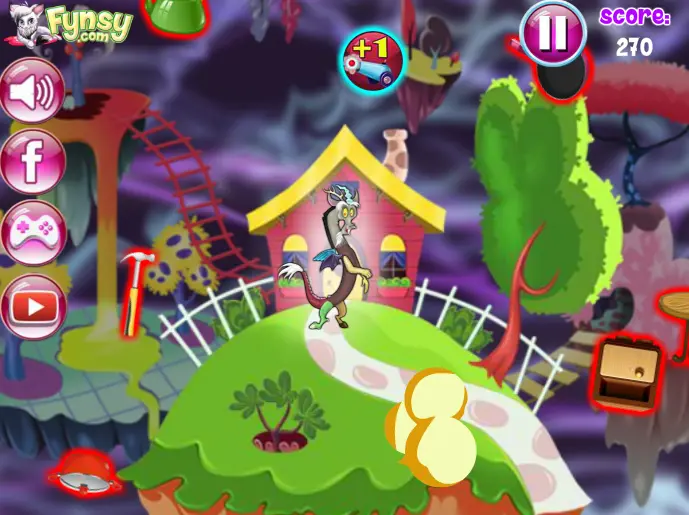
Hello boys and girls, welcome to another fun day with us, here, on games-kids.com, as we shall continue today's new games presentation. We have a lot of new games that we want to invite you to try, but let's start with this particular one, which is a really beautiful and wonderful game from My Little Pony category, a game in which you are going to meet a different kind of character, named Discord. Discord is defined by being the former spirit of unhappiness in Equestria, but somehow, he found a way to use all his magic for a better scope. In this new game, you kids are going to help this character, Discord, to work his magic and rule out all the chaos from Equestria. You are probably wondering how can you do this, well, you will have to point and click the items coming at you, in order to destroy them by throwing something at them. Also, there are some items that you must not destroy but collect, in order to get extra points and different bonus skills, that might help you in the following episodes. Good luck, players, and please share this game with your friends. Have fun!
Tvůrce
www.fynsy.com
Herní studio
Kategorie
Arcade
Typ
Mini hra
Vydáno
Nedávno
Hráči
4
Více odwww.fynsy.com
Další hryArcade
Také by se vám mohlo líbit
Populární hry, které ostatní hráči právě teď milují.