
Collision Resolution Study 1.1
Collision Resolution Study 1.1
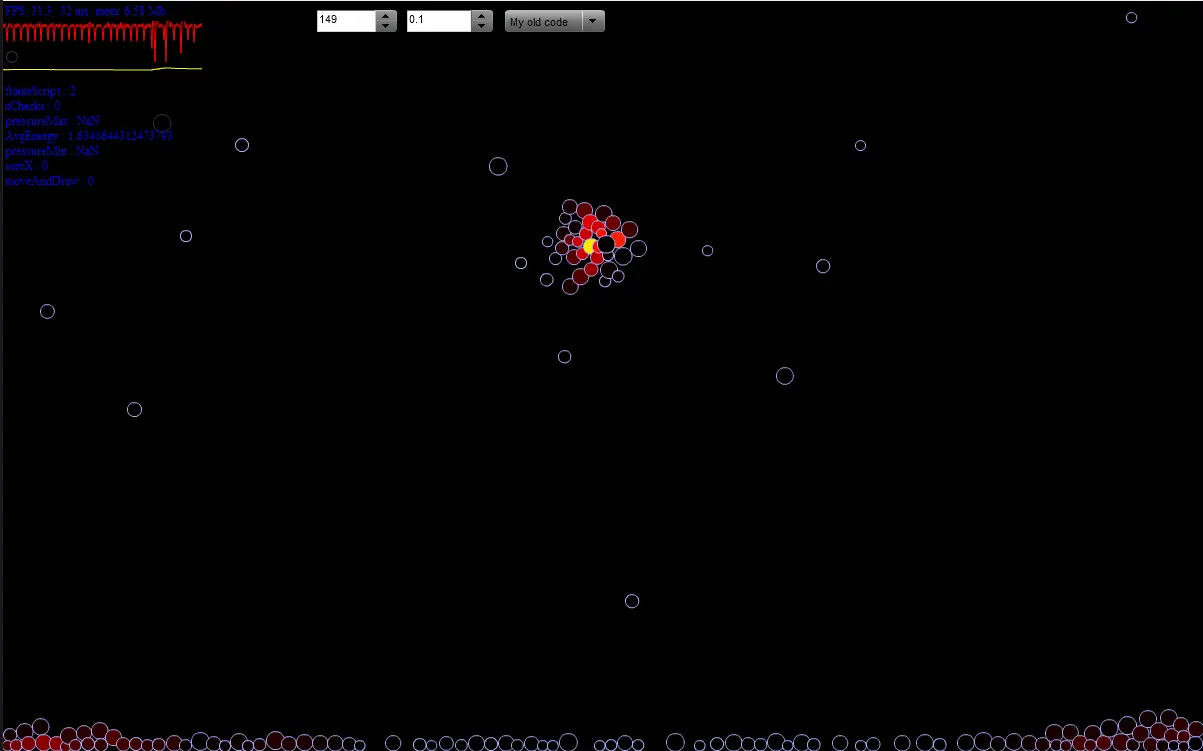
Well not that I am completely satisfied with performance of collision detection I am off to collecting various collision resolution schemes and other stuff that comes with them (simulation integration schemes). How to use Just click, hold and move mouse to spawn balls, rollover components to see hints about them Schemes I used here Firstly my older code that dates back to my experiments with Ball World https://wonderwhy-er.deviantart.com/art/Ball-world-2-Constraints-48575042 back in 2007 Back then it was too slow to see how unstable it gets sometimes. Second scheme is Position Verlet, very simple and more stable then my code, still easily goes crazy at around of 1k or more balls. You can see nice Java example here http://code.google.com/p/verlet/ I plan to add more schemes in future. So far it seems that in such cases it is physics stability that becomes a bottleneck and not the performance :) Hmm hmm :) Also as I am lazy and it is a testing builds it contains a some of unnecessary code like system energy calculation that eats up performance. So it's not at its best in that sense. Update Small change, tried adding other model but so far failed, aside from that thought that it would be good to see how unsatisfied situation is. So added coloring to balls that shows how much penetrations by other balls they experience this frame. For Verlet it also represents how much energy is emitted by them this frame to push out those other balls :)
About BeeGames social
Playground and Play together are the BeeGames social layer — so you're never just playing alone.
What is a Playground?
Your Playground is your own personal game homepage. Pin the games you love, give it a name and a short bio, then make it public to share your personal arcade with anyone.
How do I use my Playground?
On any game page, tap “Playground” to pin that game. Head to My Playground to edit its name, bio and layout, then share your public link with friends.
What is Play together?
Play together lets you co-play the same game with friends in real time. Open a game room and everyone can play side by side while chatting in the room — like crowding around one screen, online.
How do I play with friends?
Tap “Play together” on a game page, pick a public room or a private one with a password, then share the room link with friends. You can also browse and join open rooms from the Lobby.