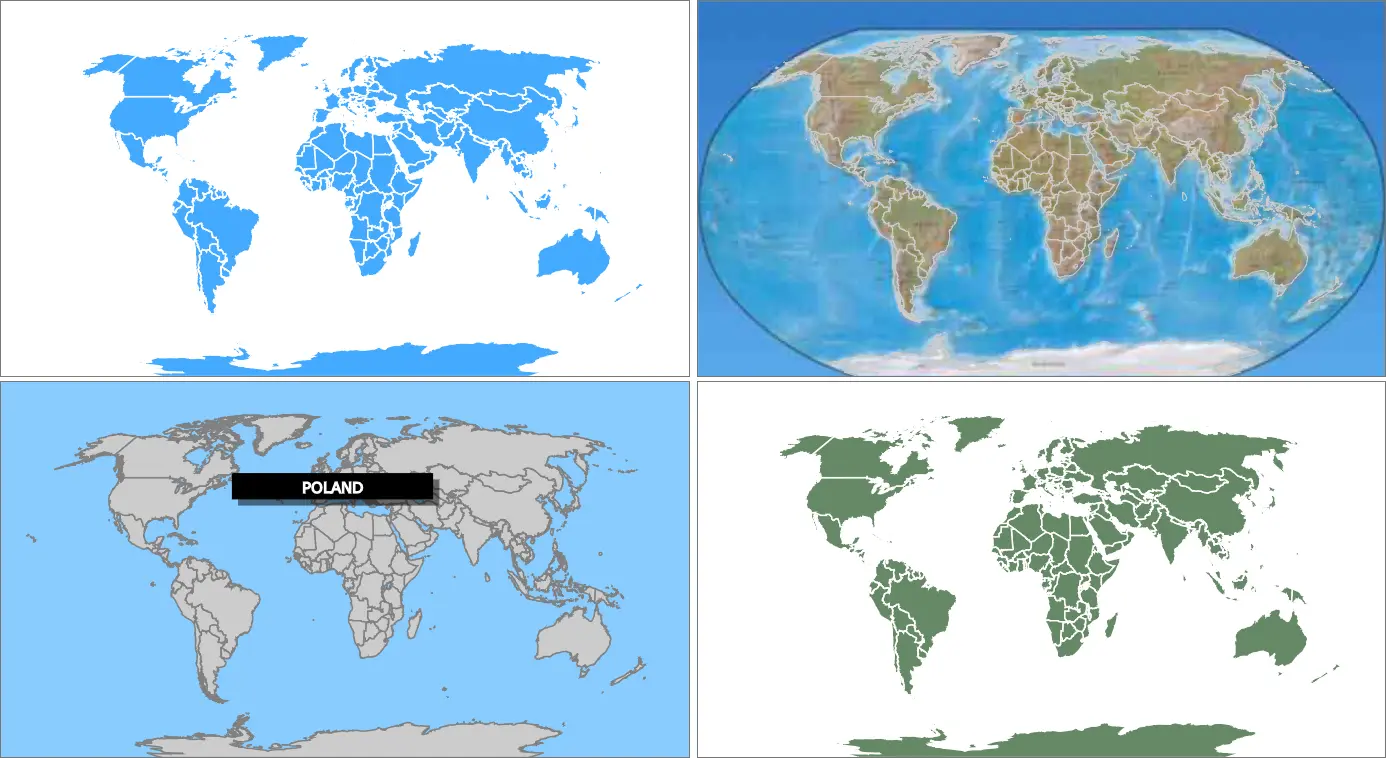
SVG World Map
Παίκτες
5
Βαθμολογία
—
Κατηγορίες
Map
Περίπου
An interactive map using C#, SVG, JavaScript, Angular and YouTube Introduction This article is an exercise to build an interactive map SPA (Single Page Application) aimed at remembering the 100 years of the fateful days of the Great War of 1914-1918. One hundred years ago, it was involving a sizable part of the world, and dragging Europe into a turmoil of destruction and social chaos. The application was built as an educational tool to help students and history geeks to improve knowledge and consolidate their understanding, by merging geographical historical maps, chronological events and modern video documentaries about the Great War. Background There are some ways to build an interactive map using different technologies. One of them is through Web mapping, using Geographical Information Systems (GIS), such as Open Street Map, which delivers a lot of information and many built-in tools, but might be easily an overkill for our simple application. Another solution involves a simpler approach, through direct drawing of the map and controlling the graphic elements. For this purpose, we could use a battle-hardened technology (some pun intended) such as Adobe Flash, which had its days of glory, but now mostly a no-go for new projects. Now they are generally built with HTML5, which means using canvas or Scalable Vector Graphics (SVG). Of these two options, the SVG seemed to be the most reasonable choice because of all the zooming and panning that is needed for maps. Canvas is really fast, but since it works as a bitmap (not vector graphics), zooming can be tricky and processor intensive, while SVG works as a set of independent vector-constructed DOM elements, which can be more naturally zoomed as needed.
Σχόλια παιχνιδιού
Δεν υπάρχουν ακόμα μηνύματα. Ξεκινήστε τη συζήτηση.
Δημιουργός
Marcelo Ricardo de Oliveira
Game Studio
Κατηγορία
Map
Τύπος
Μίνι Παιχνίδι
Απελευθερώθηκε
Πρόσφατα
Παίκτες
5