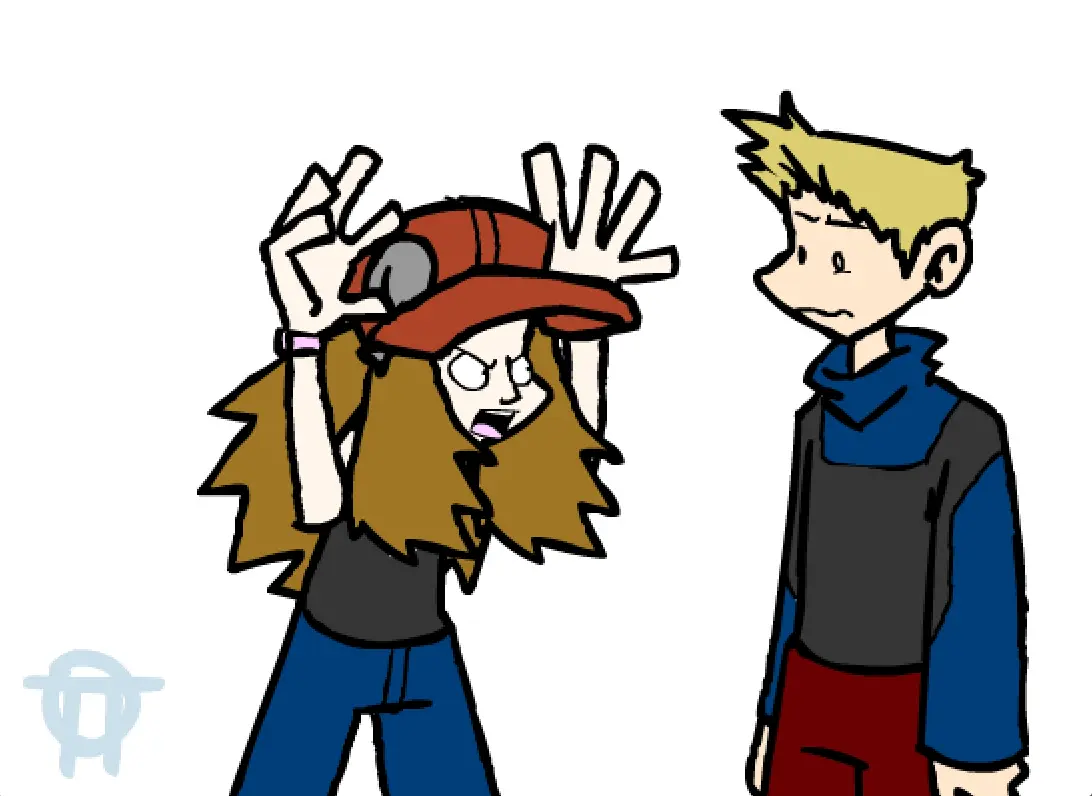
Shut up, Carter: TWO
Joueurs
10
Note
—
Catégories
Comedy
À propos
Some people never shut up. Honestly. Some of you freaks might remember this, but I used the audio in an animation over a year ago. It was one of my first attempts at Flash, and on a crap computer no less...I can safely say it was not the greatest thing I've ever spawned. But Carter, who apparently doesn't mind being mocked, had decided it was the epitome of excellence and keeps showing it to everyone and their grandma and it's makin' me look bad. I tried hitting him but he still wouldn't stop. Not even after I put glass shards in his food. So I got fed up and produced a slightly less repulsive version. Lots of half-assed animating, but it's better than nothing. So I guess that's the best way to get me to accomplish something: compromise my mysterious veil of excellency. (That's not a suggestion, don't get any ideas.)
Commentaires du jeu
Aucun message pour l'instant. Lancez la conversation.
Créateur
Hail-NekoYasha
Studio de jeu
Catégorie
Comedy
Type
Mini-jeu
Sortie
Récemment
Joueurs
10