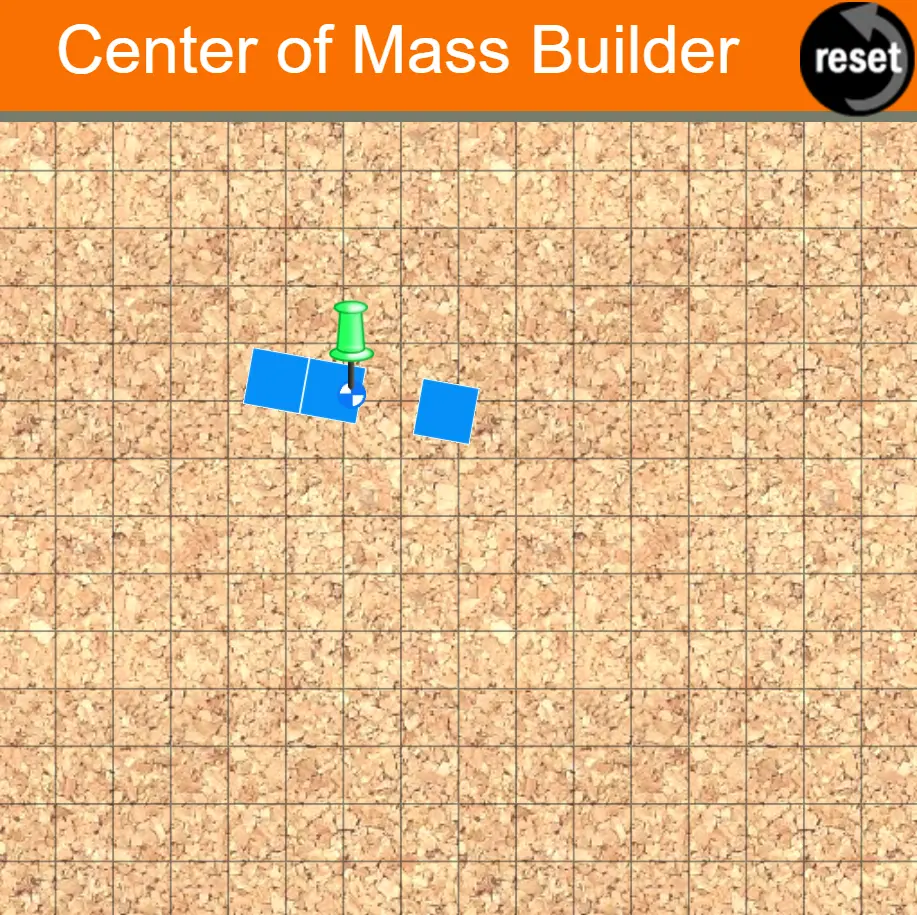
Center of Mass Builder
Players
0
Rating
4.5★
Categories
Science
About
Explore the concept of center of mass. Use your mouse or finger to drag out a shape and view its center of mass as you make changes to its shape. But before you leave the page, make sure to hang the shape on the corkboard and watch it swing back and forth about its pivot point (or pinning location). This Interactive gives you the ability to interact and explore concept of center of mass and balance. The Center of Mass Interactive is shown in the iFrame below. There is a small hot spot in the top-left corner. Clicking/tapping the hot spot opens the Interactive in full-screen mode. Use the Escape key on a keyboard (or comparable method) to exit from full-screen mode. There is a second hot-spot in the lower-right corner of the iFrame. Dragging this hot-spot allows you to change the size of iFrame to whatever dimensions you prefer.
Creator
physicsclassroom.com
Game Studio
Category
Science
Type
Mini Game
Released
Recently
Players
0
More from physicsclassroom.com
More Science games
You might also like
Trending games other players are loving right now.