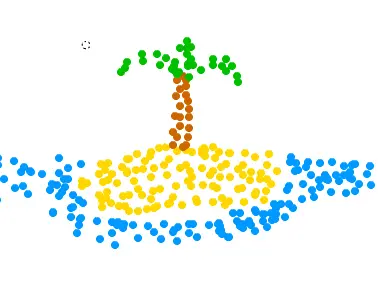
The Stippler
Players
0
Rating
4.5★
Categories
Drawing
About
Instructions Choose a colour. Click and/or drag to stipple. Change the size of your dot with the Size slider, and the rate at which they appear with the Flow slider. Erase your picure by clicking the NEW button. To share a picture, use the PrtScr or SysRq button on your keyboard to store the screen image to your clipboard. Open up a program like Paint, and paste the image. You can crop or edit from there. Save the file as a .png. Upload it to a photo hosting site. Description Basically, a drawing program for when you’re feeling bored or creative. Stippling is simply creating a picture using only dots. It’s kind of time-consuming if you want to make a great picture…
Creator
Frogmanex
Game Studio
Category
Drawing
Type
Mini Game
Released
Recently
Players
0
More from Frogmanex
More Drawing games
You might also like
Trending games other players are loving right now.