SpiroStudio
Spiro Studio
Players
0
Rating
4.5★
Categories
Drawing
About
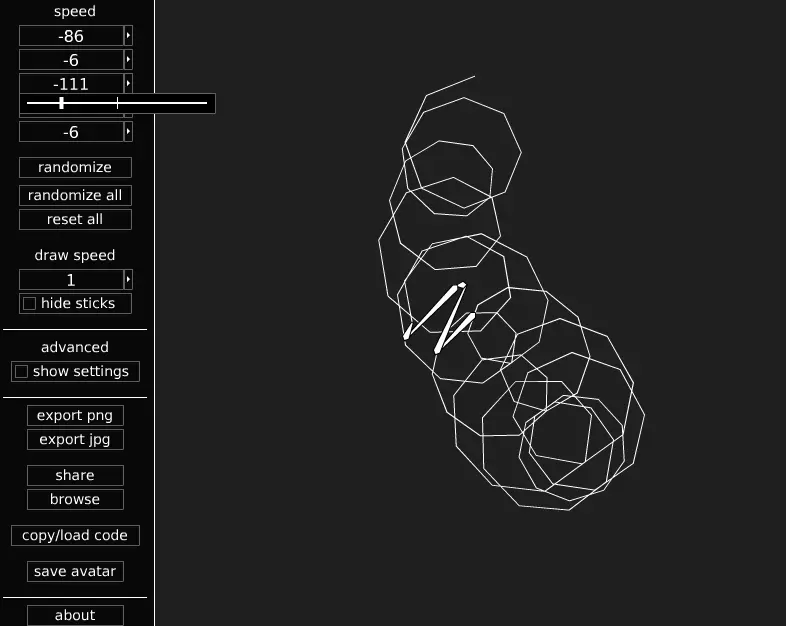
SpiroStudio lets you design your own spirograph-style patterns. From the game updates: DEC 9, 2013 9:44AM Version 1.04 is up now. New features include a “reset all” button that restores the default settings, and an input for controlling the draw limit. changelog for v1.04 – added reset all button – added draw limit input – added draw limit saving and loading – added licensing information to about window – decreased default draw limit to 10000 – fixed jpg saving to use reverse layers – fixed smooth lines not loading – rearranged some parts of the interface – made symmetry affect keyboard increment/decrement for speeds and smoothness inputs – made randomize set the smoothness to nearest multiple of symmetry if using symmetry DEC 7, 2013 5:19PM Version 1.03 is here! This version includes sliders. Try setting the draw speed to 360 or higher and using a slider to animate the drawing. changelog for v1.03: - implemented slider control - added slider controls to all numerical inputs - made symmetry affect slider increment for speeds and smoothness - added rgb sliders to palette - fixed reverse layers loading - added “randomize all” button - increased draw limit - changed “opacity” label to “alpha” for consistency
Creator
Polycube
Game Studio
Category
Drawing
Type
Mini Game
Released
Recently
Players
0
More Drawing games
You might also like
Trending games other players are loving right now.