StarCraft JS
SC JS
ผู้เล่น
7
คะแนน
4.5★
หมวดหมู่
Real-Time Strategy
เกี่ยวกับ
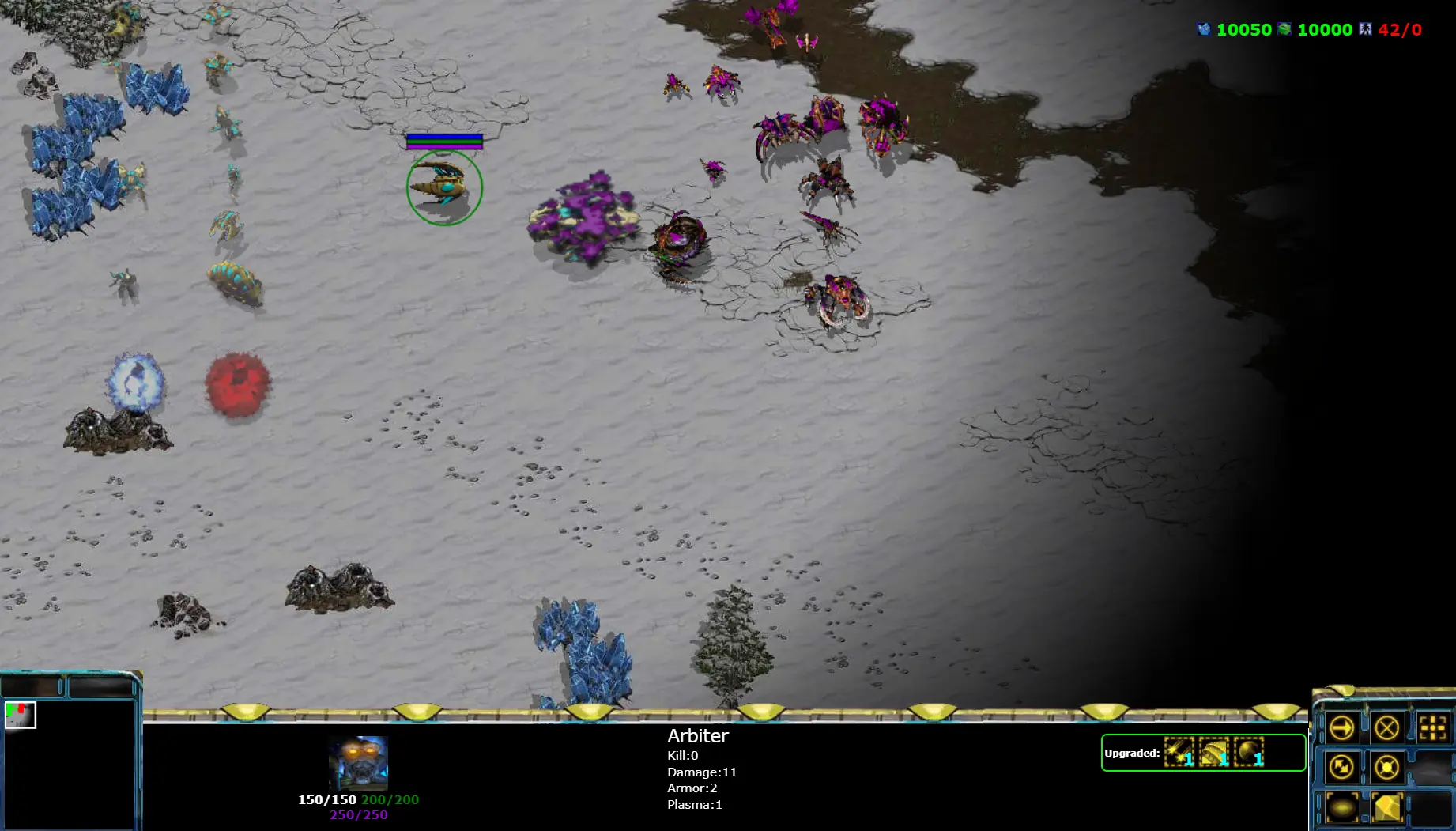
SC-Js Classic RTS game at html5 canvas and javascript, only js codes, copyright materials removed Getting started Download the latest version from github: https://github.com/gloomyson/SC_Js/archive/master.zip Unzip the folder Extract original resources from starcraft and add into bgm & img folder Double click index.html in the folder (this should open the game with your browser) You can play without image/audio materials by input available CDN location instead, for example 'www.nvhae.com/starcraft' Press the radio button (circle next to the level name) to select a level and play Former 2015 version features: All units/buildings/bullets/maps/magics and animations completed Support war fog, zerg creep Control panel, different buttons and icons Support cheat code Mouse and key control complete Seven basic levels to test units and buildings Three additional levels for playing: Champain, HUNTERXHUNTER and ProtectAthena Newly added features in latest version One additional level added: Tower Defense Support replay your game playing Experimental: Basic network play support in level 2, players can chat with each other in multiplayer mode Experimental: Android install package for play on mobile devices Check svn.log for other detailed changes Notice Need extract resource from orginal starcraft game, and add them into bgm/img folder before play List serveral useful extract tools: MpqWorkshop, GRPEdit and RetroGRP Need setup server before play in multiplayer mode, follow below steps: Install NodeJs on your machine Install websocket module: input 'npm install websocket' in cmd Start SC_server: input 'node GameRule\SC_server.js' in cmd To play it on mobile device, install Android install package on your device: SC.apk Tap once equals mouse click to select/unselect units Tap twice equals mouse double click to select all same typed units Hold pressing on screen equals mouse right click to set moving destination Two fingers press on screen equals mouse dragging to select multiple units inside rectangle Slide finger on screen to pan left/right/up/down Try it online at: SC Html5 Online
ผู้สร้าง
Gloomyson
สตูดิโอเกม
หมวดหมู่
Real-Time Strategy
ประเภท
มินิเกม
วางจำหน่าย
เมื่อเร็วๆ นี้
ผู้เล่น
7
เกม Real-Time Strategy เพิ่มเติม
คุณอาจชอบสิ่งนี้ด้วย
เกมยอดนิยมที่ผู้เล่นคนอื่นกำลังชื่นชอบในตอนนี้