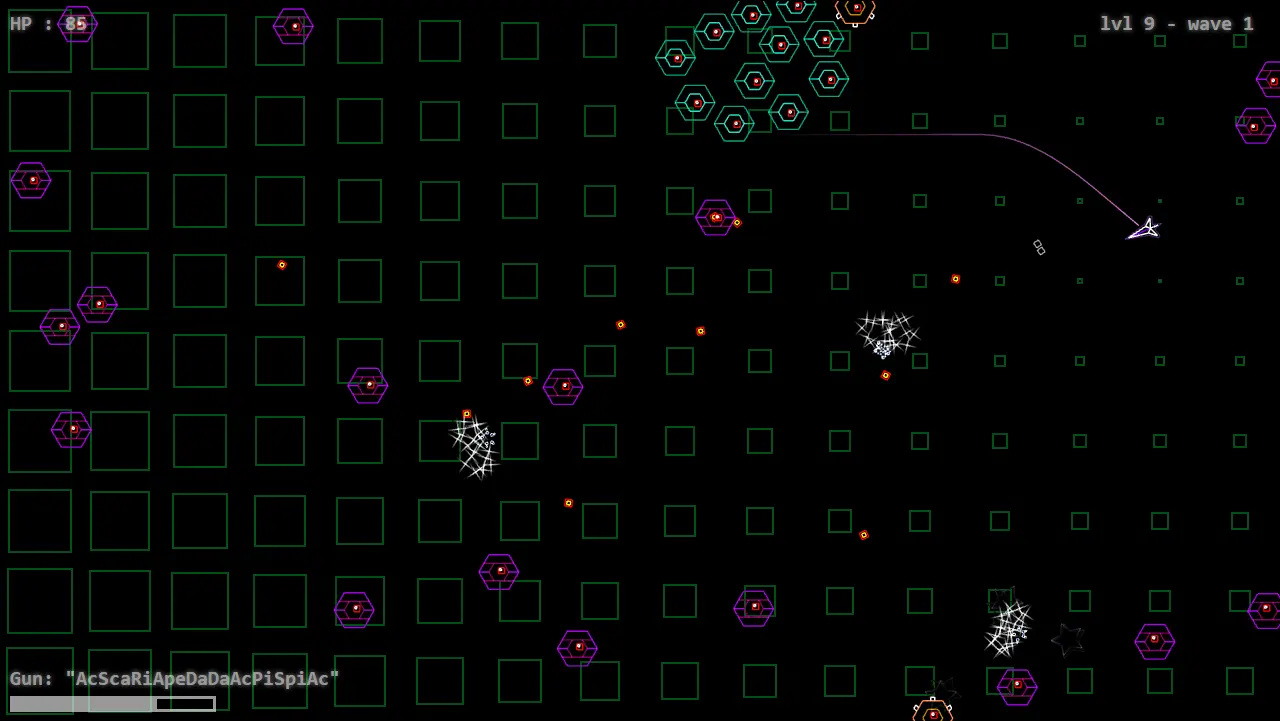
TD2S
Players
0
Rating
4.5★
Categories
Shooter
About
Controls: WASD to move.LMB to fire.RMB to move slower.Scroll wheel to change guns. Inventory: "Modifiers" list shows you the modifiers you have available. You'll get two more after every level. Mouse over them to see what they do.Complete the level without taking damage and you get one more modifier as a reward.To add a modifier to a gun, press the (+Mod) button, and then press the modifiers you want to add. When you're ready, press (Done).To remove a modifier from a gun, press the (-) inside the modifier. When you do, the modifier will be put back into the list.A gun can hold at most 10 modifiers.Modifier order matters!To add a new gun, press (+Gun).To remove a gun, press (Destroy). All of its modifiers will be put back into the list.To start the next level... press the (Start Next Level) button.You can craft by pressing the (+Add) button near the crafting menu and then pressing (Upgrade) or (Exchange). a)To upgrade, you need three modifiers of same type and level, in which case you will get the same modifier of next level. The modifier strength grows exponentially based on its level, but it's still weaker than all lvl 1 mods used to create it.b)To exchange(i.e. get a random modifier of higher rarity), you need three modifiers of same rarity and level. About: Basically, this is a "rebuild" of TDS with wildly customizable weapons. And while it does have a much better architecture, it still lacks a lot of things, such as: Different enemy types Partially doneCampaignBetter UI with drag'n'dropUpgrading/swapping of modifiersSounds Partially doneBalanceMoar modifiers! Partially doneSound credits:https://freesound.org/people/unfa/sounds/245645/https://freesound.org/people/FilmmakersManual/sounds/522510/
Creator
kurt_c0caine
Game Studio
Category
Shooter
Type
Mini Game
Released
Recently
Players
0
More from kurt_c0caine
More Shooter games
You might also like
Trending games other players are loving right now.