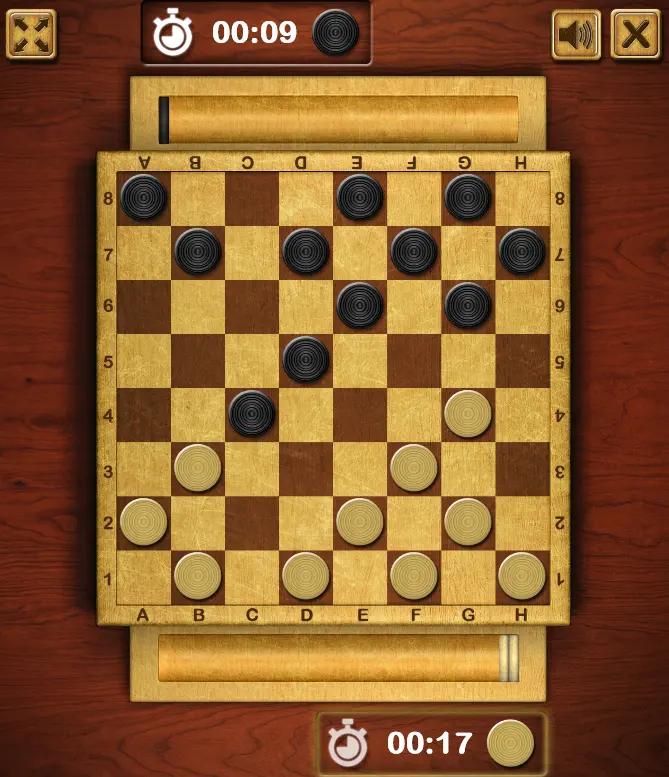
Master Checkers
'Yan wasa
24
Ƙima
—
Nau’o’i
Checkers
Game da
To play the game, first click on a tan piece. When the piece is highlighted then select the spot where you want to move the piece. The computer, or the other player, can move. Tips: You can only move diagonally. Regular pieces can only move in one direction. You can jump over your opponents pieces to remove them. You can do a double jump. If you don't want to double jump, just click your checkers piece again. If you get a piece all the way to the other side of the board, it will be "Kinged". A Kinged piece can go backwards and forwards.
Sharhin wasa
Babu saƙonni tukuna. Fara tattaunawa.
Mai ƙirƙira
Code This Lab
Ɗakin wasa
Rukuni
Checkers
Nau’i
Ƙaramin wasa
An fitar
Kwanan nan
'Yan wasa
24
Ƙari daga Code This Lab
Ƙarin wasannin Checkers
Wataƙila kuma kana son waɗannan
Wasanni masu tasowa da sauran 'yan wasa ke so yanzu.