Internet Safety: with Annie & Moby
Jogadores
0
Avaliação
4.5★
Categorias
Civics
Sobre
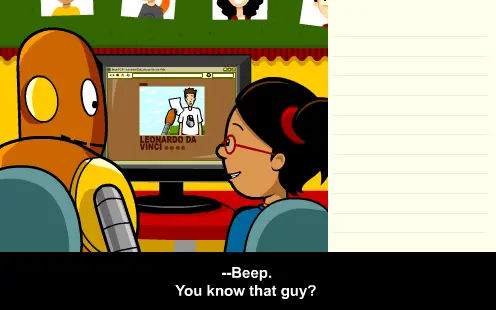
The Internet is a fun place to learn and communicate with friends, but it's important to be safe online! What should you do if a stranger contacts you online? In this movie, you’ll learn how to e-mail, chat, and surf the web while keeping you and your computer safe. You’ll explore computer viruses and how they can be downloaded to your computer and cause problems. Find out how to keep your passwords and personal information private.
Criador
BrainPOP
Estúdio de jogos
Categoria
Civics
Tipo
Minijogo
Lançamento
Recentemente
Jogadores
0
Por criador
Mais de BrainPOP
Mesma categoria
Mais jogos de Civics
Os mais populares
Você também pode gostar
Jogos em alta que outros jogadores estão amando agora.