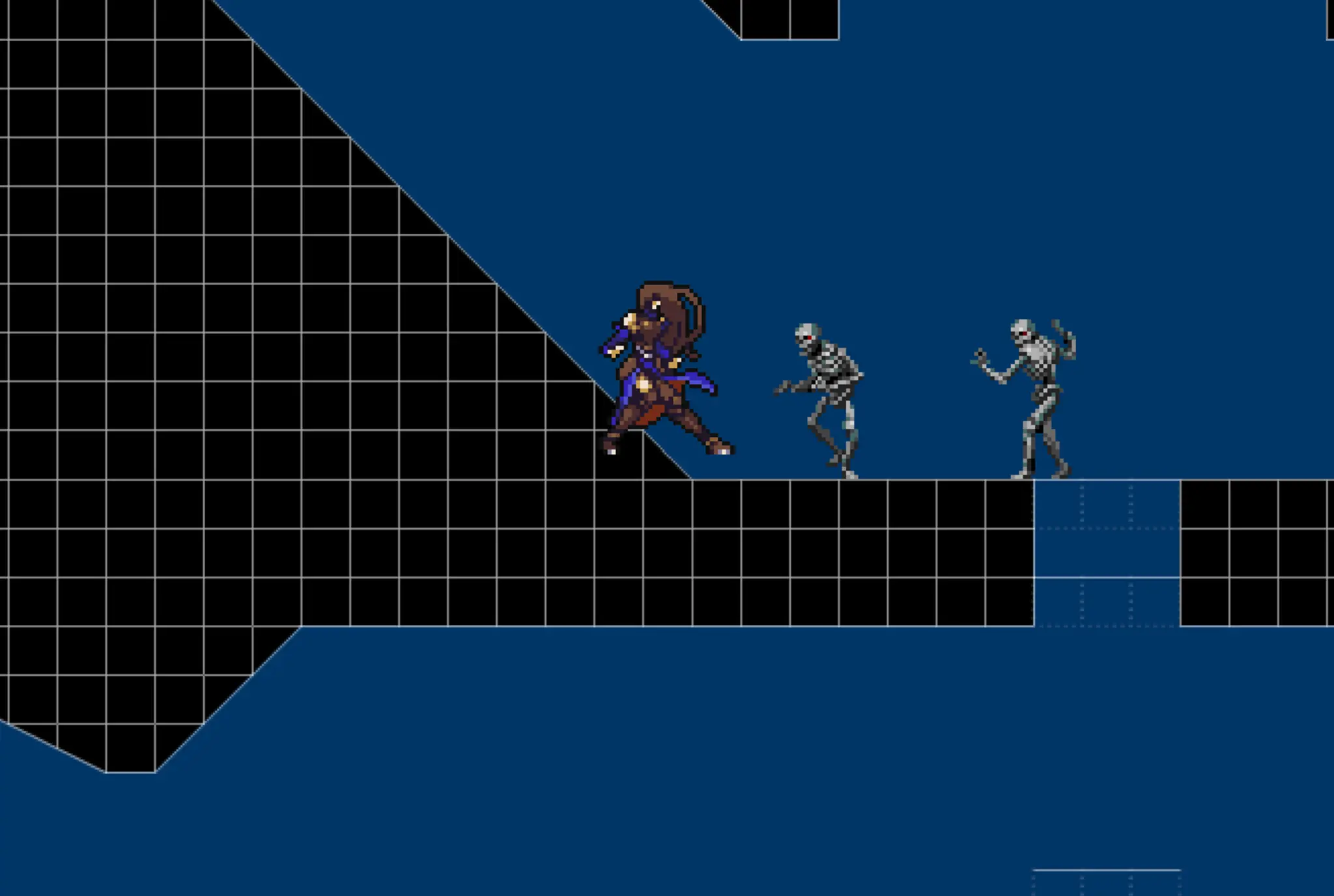
My castlevania engine
Oyuncular
5
Puan
—
Kategoriler
Metroidvania
Hakkında
ENTER = PAUSE Z = BackStep / X = L-hand C = R-hand Spacebar = Jump UpArrow = Open Treasure,Active Laver,access depth door SpaceBar+DownArrow = 1.[on cloud box] = drop fall 2.[on air] = drop kick Attack Equipment change Equipment Slot Key 1 - 9 Special Command press A then press command and press A again to confirm spells Command Avaliable A+[up]+[up]+[up]+A Immune Mode (Damage = 0) A+[down]+[down]+[down]+A Bravery Mode (no effect now) A+[up]+[down]+[up]+A Endure Mode (no effect with pushback) A+[down]+[up]+[down]+A DEBUFF Mode A+[down]+[up]+[down]+[up]+[down]+A Gravity Cut Mode A+[left]+[left]+[right]+[right]+A SpeedUp Mode Spell Command A+X+X+A Spell fireball A+C+C+A Spell ice spike A+[down]+[down]+[up]+A Spell fire wall
Oyun yorumları
Henüz mesaj yok. Sohbeti başlat.
Yaratıcı
rezzzah
Oyun stüdyosu
Kategori
Metroidvania
Tür
Mini oyun
Yayınlandı
Yakın zamanda
Oyuncular
5