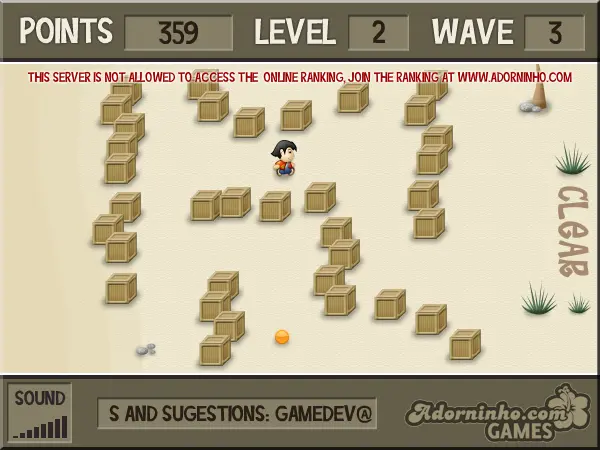
Adorninho against the Tsunami
Người chơi
4
Đánh giá
—
Danh mục
Maze
Giới thiệu
Help Adorninho to escape from the terrible menace of tsunami! Author Comments: Adorninho against the Tsunami (Adorninho contra o Tsunami) v1.3 Help Adorninho to escape from the terrible menace of tsunami! In its newest adventure, Adorninho is most competitive than ever, with many levels full of challenges and tricks. Let's rock! Arrow keys to move Adorninho (faster) or Click and Drag with the mouse. The main objective of the game is to save Adorninho from the giant wave, by crossing the mazes and reaching the safe place. But there are checkpoints and powerups that may help you to achieve a higher score in the Top Ranking. UPDATED! - v1.3 - Added 18th and 19th levels - Volume control changes - Pause button added (just press P) - 17th level added - Huge Optimization - Bugfix - Improved with suggestions of NG users - Small change in Level 7 maze - Powerups now gives you points - Added 16th level - Great optimization in slow computers - - - - - - - - - - - - - - - - - - - - - - Adorninho has a brand new home! Visit us at http://www.adorninho.com and discover the newest Flash Game Portal in the web! - - - - - - - - - - - - - - - - - - - - - - Thanks for playing!
Bình luận trò chơi
Chưa có tin nhắn nào. Hãy bắt đầu cuộc trò chuyện.
Nhà sáng tạo
ruyadorno
Studio trò chơi
Danh mục
Maze
Loại
Trò chơi nhỏ
Phát hành
Gần đây
Người chơi
4