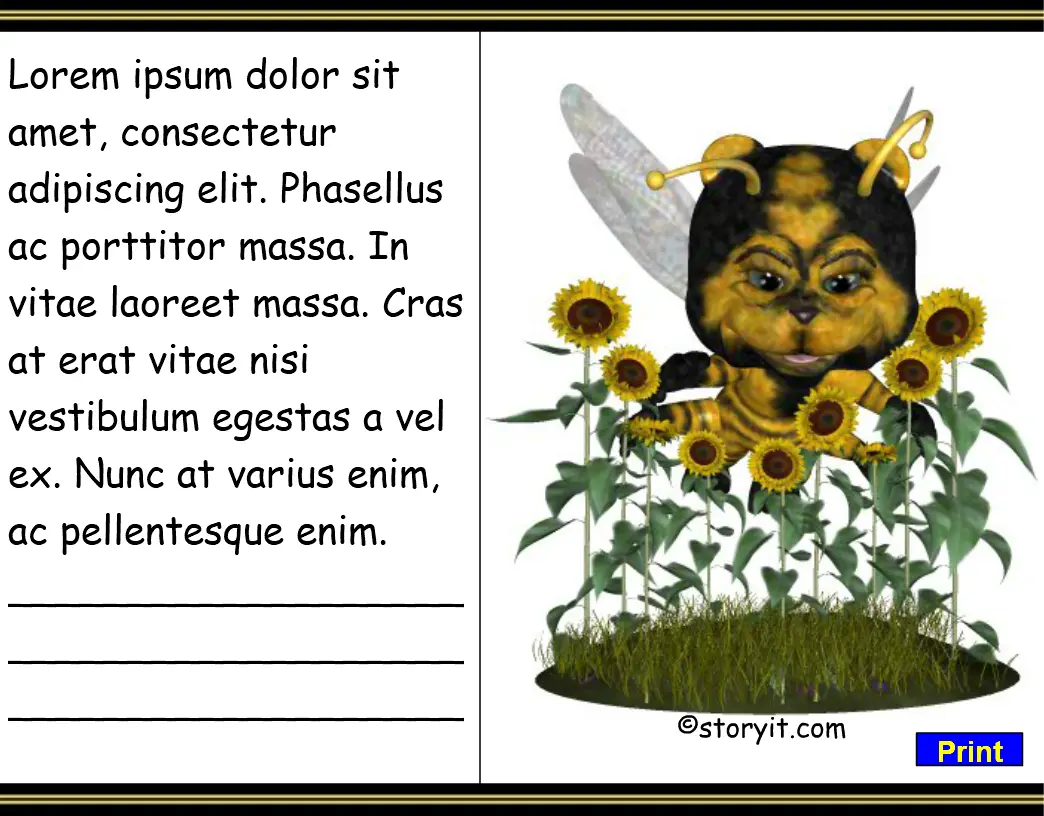
Bear Bee 7
Người chơi
11
Đánh giá
4.5★
Danh mục
Print Studio
Giới thiệu
Delete the text in the input text field and type in your own information, word list, poem, story, or instructions. To print out a black page for your students, just erase the text and print. To add lines to the border paper, use the underline key. The page is designed to print to the size of the paper. It's very important to set the printer's property to Landscape orientation to obtain the appropriate width. Finally, whatever you type needs to be visible on the screen area without scrolling. Only that which is visible will be printed.
Nhà sáng tạo
storyit.com
Studio trò chơi
Danh mục
Print Studio
Loại
Trò chơi nhỏ
Phát hành
Gần đây
Người chơi
11
Theo nhà sáng tạo
Thêm từ storyit.com
Cùng danh mục
Thêm trò chơi Print Studio
Phổ biến nhất
Bạn cũng có thể thích
Những trò chơi thịnh hành mà người chơi khác đang yêu thích ngay bây giờ.