Nesbox Emulator for X1
玩家
0
評分
4.5★
遊戲分類
Emulator
關於
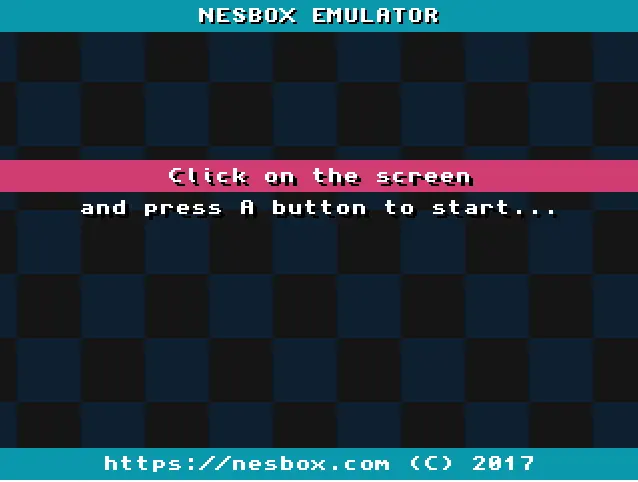
click on the emulator window to start If you have problems with emulation performance, try version without advertisements here https://nesbox.com/embed If you not only want to play retro games but want to create a game, try my another one project TIC-80, it's a fantasy computer for making, playing and sharing tiny games. The emulator loads ROM files from your OneDrive account Gamepad buttons mapping: ARROWS, A, B, X, Y, SELECT - left shoulder, START - right shoulder, L - left trigger, R - right trigger. Keyboard buttons mapping: ARROWS, A - z, B - x, X - a, Y - s, SELECT - spacebar, START - enter, L - q, R - w. Features: supports NES, SNES, GENESIS, GAMEBOY and ADVANCE systems: .nes .smc .sfc .gen .smd .mb .bin .gba .gbc .gb; save/load game state; local multiplayer (two controllers); import roms from OneDrive; save game state to OneDrive; gamepad buttons mapping; CHANGELOG v4: added OneDrive save states; removed local storage; gamepad stick support; some minor fixes; To start playing click on the emulator window, sign in OneDrive (only once at the start) and if all is OK click again to enable FULLSCREEN mode (gamepad input works only in fullscreen mode). You should have a ROM file to play a game and upload it via OneDrive. Use (A) to select item in menu and (B) to go back. Press SELECT+START to show game menu (save/load/reset). Select MENU > USE BROWSING CONTROLS to show browser cursor. If you want to be in touch follow me @nesboxcom
分類
Emulator
類型
小遊戲
發佈日期
最近
玩家
0
更多 Emulator 遊戲
你可能也喜歡
其他玩家最近最愛玩的熱門遊戲。